How to play Fortnite with Xbox Cloud Gaming
Updated
Open xbox.com/play in a supported browser and sign in with your Microsoft account. Epic's Fortnite cloud guide says a paid Game Pass subscription is not required. Country support, queues and compatible controls still depend on Xbox's current service rules.
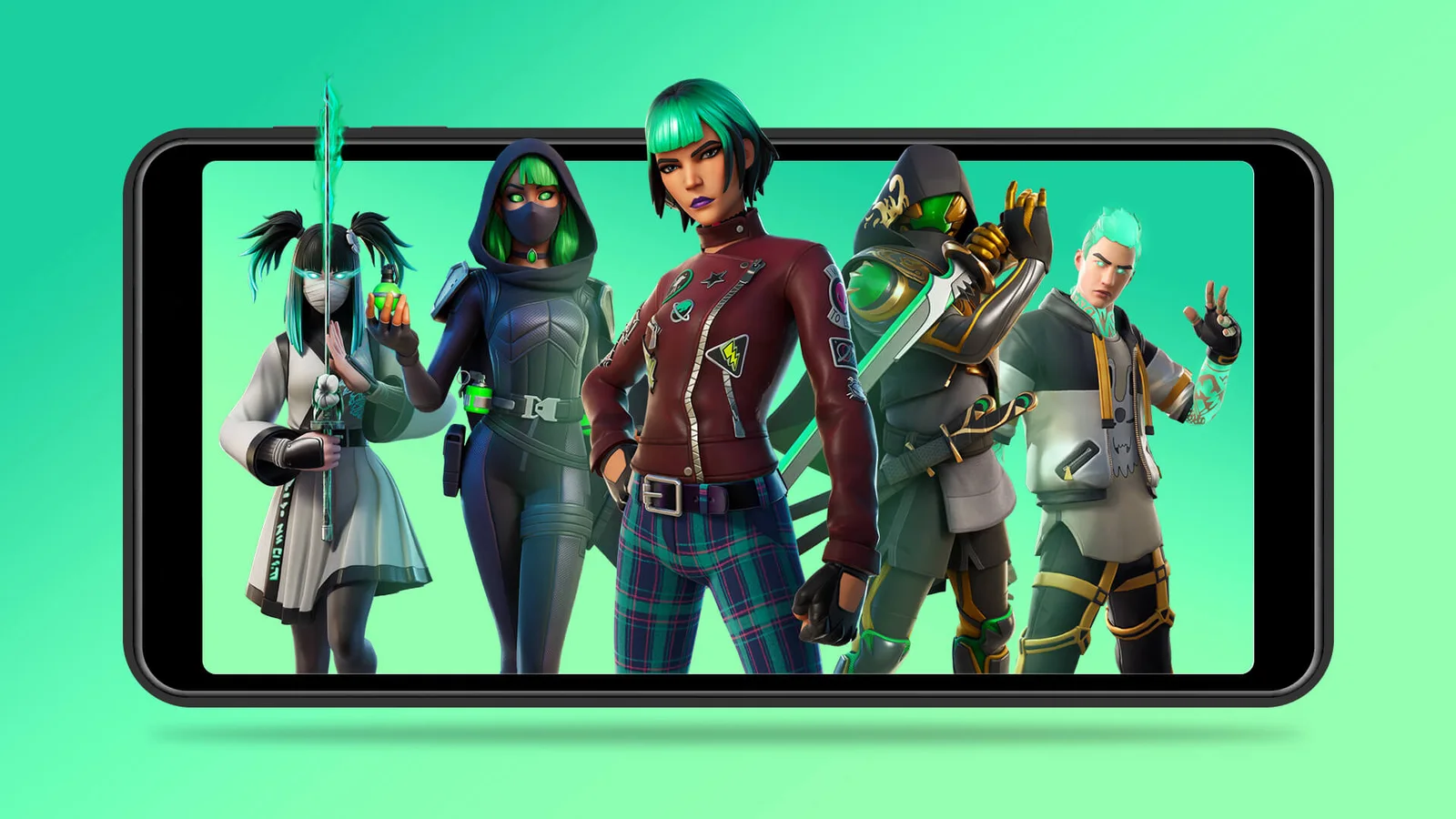
Epic’s original Xbox Cloud Gaming announcement artwork (2022). Check current service availability and device requirements before playing.
Credit: Epic Games. View image source
How to play Fortnite on Xbox Cloud Gaming
Guides describe these steps. There is nothing to install, because the game runs on Microsoft's servers:
- Go to xbox.com/play in a supported browser.
- Sign in with a free Microsoft account.
- Search for Fortnite and press Play.
- Link your Epic account when asked, so that your Fortnite progress carries over.
Is it free?
Guides say Fortnite is available without a Game Pass subscription, and that a free Microsoft account is enough. Access and waiting times can change, and availability varies by country, so check Xbox's own page if something looks different.
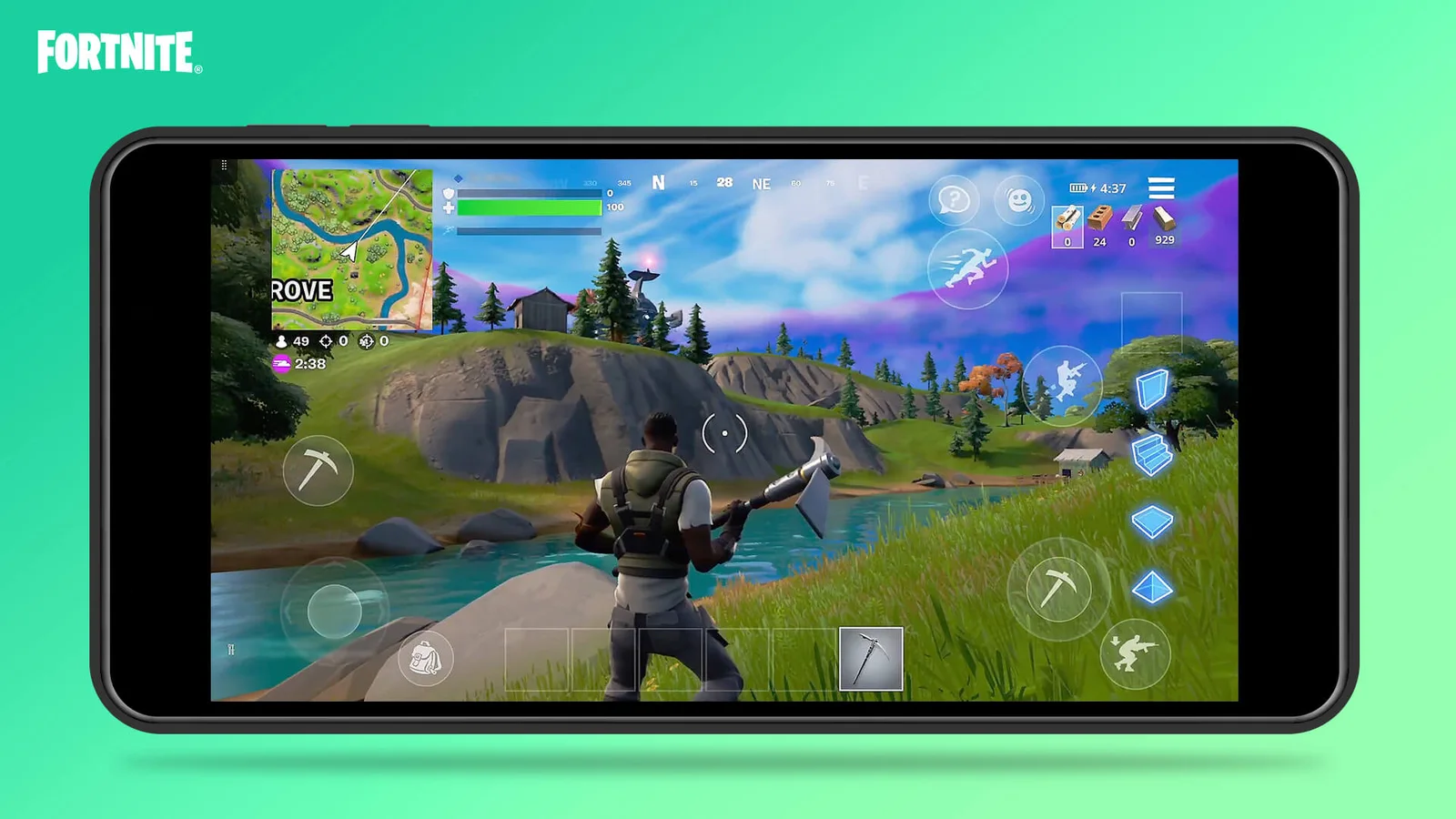
Official Xbox Cloud Gaming touch-control illustration from 2022, rather than a screenshot of the current season or menu.
Credit: Epic Games. View image source
What you need
Before you start:
- A stable internet connection. The picture is streamed, so your connection matters more than your hardware.
- A supported browser, such as Chrome, Edge or Safari.
- A controller, or touch controls on a phone or tablet. Guides say keyboard and mouse is better supported on GeForce NOW.
Xbox play on other devices
This same route works on Mac, Chromebook and phones. Guides say it runs in the browser and not in the Xbox app. For the other streaming services, see our browser guide.
If it does not load
Check Fortnite's server status first. School and work networks often block cloud gaming, and you should not try to get around that. Only log in on the real Xbox and Epic sites, never on a page offering a free or unblocked version.
Frequently asked questions
›Do I need an Xbox console or Game Pass?
Epic's Fortnite announcement says you need a free Microsoft account rather than a console or paid Game Pass subscription. Check Xbox's live Fortnite page for current regional availability.
›Will I keep my Fortnite skins and progress?
Use the Microsoft/Xbox account linked to the same Epic account you play on elsewhere. Epic's account-linking guide explains how progress carries between devices.
›Is the browser game on this site's homepage Fortnite?
No. The homepage player runs Fortzone, a separate browser game. Real Fortnite cloud play starts with a supported cloud provider.