How to play Fortnite on a Chromebook
Updated
Epic's Chromebook help page points players to cloud gaming. Use a supported provider and browser rather than a Windows installer or an unofficial APK. A managed school or work device may block the service; this guide does not bypass those restrictions.
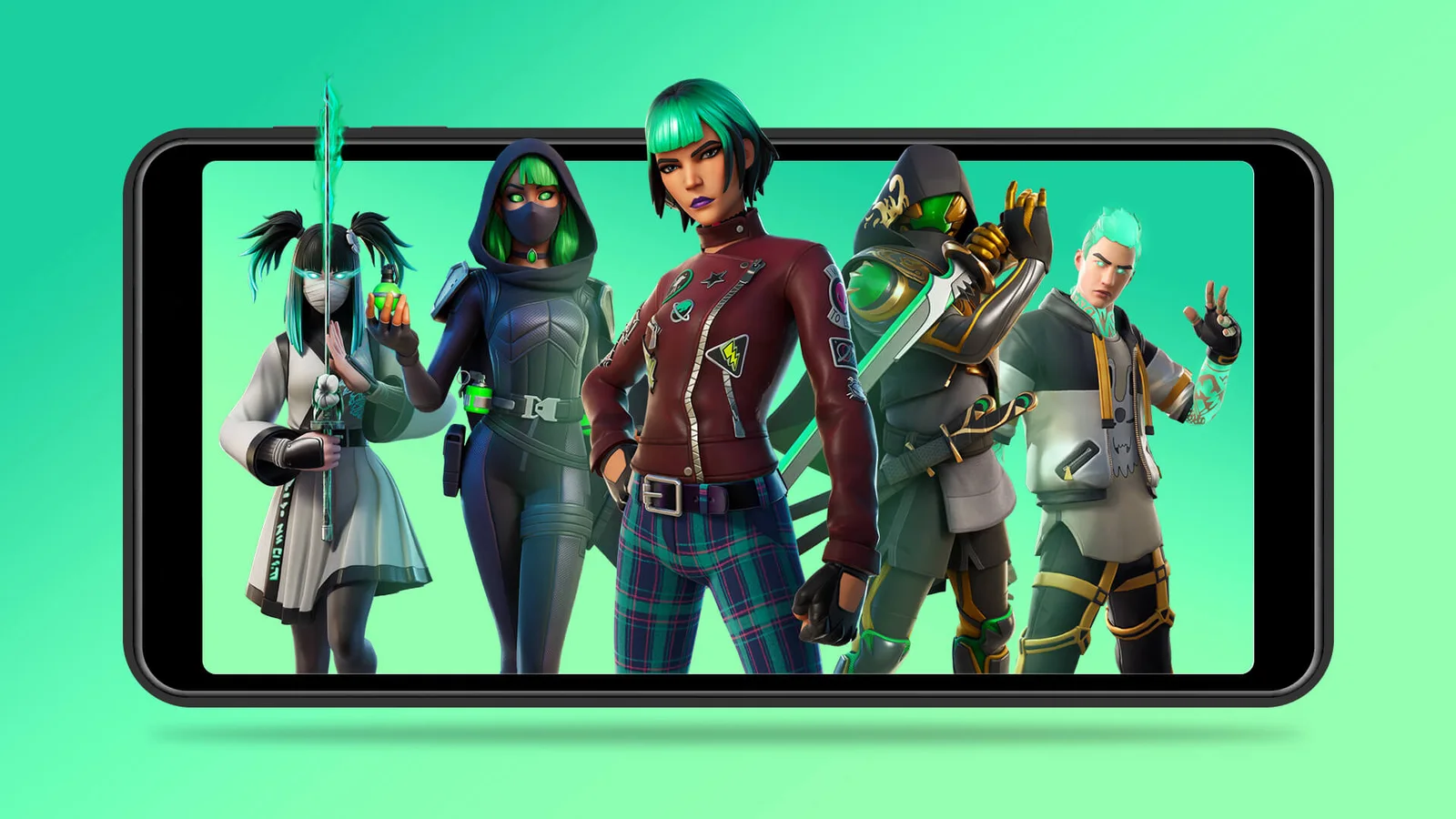
Epic’s original Xbox Cloud Gaming announcement artwork (2022). Check current service availability and device requirements before playing.
Credit: Epic Games. View image source
How to download Fortnite on a Chromebook
You cannot. There is no version for ChromeOS, so a site offering a download for Chromebook is not offering the real game. Epic's help page instead lists three cloud services:
- Xbox Cloud Gaming, which guides call the simplest free option.
- NVIDIA GeForce NOW, where one guide reports one-hour sessions on the free tier.
- Amazon Luna, where available.
Controls
A controller is the safest choice. Guides say GeForce NOW and Luna also support a keyboard and mouse for Fortnite on ChromeOS.
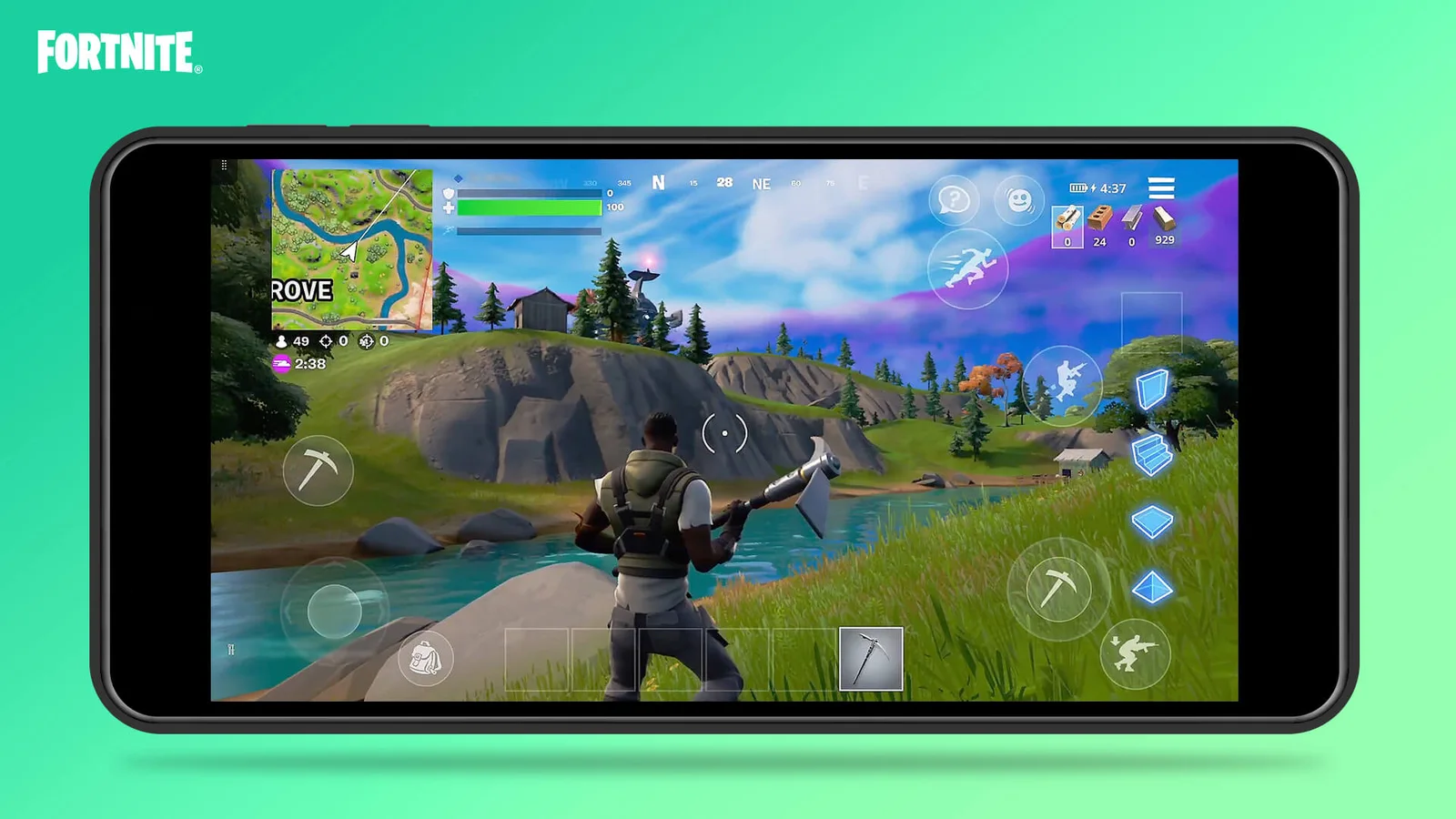
Official Xbox Cloud Gaming touch-control illustration from 2022, rather than a screenshot of the current season or menu.
Credit: Epic Games. View image source
School Chromebooks
Schools often block these services, and admin settings can stop you adding apps. Respect those limits, because bypassing them can break school rules. Sites promising an unblocked Fortnite are a common scam, so stay away from them and never enter your login. If you want something quick on a break, the games on our home page run in a browser. They are separate games, not Fortnite.