Can you play Fortnite on a Mac?
Updated
For current Fortnite on a MacBook or desktop Mac, start with the cloud-gaming options linked by Epic. The game streams from a provider's server; it is different from downloading a current native macOS client. Check that provider's device, browser and regional support before signing in.
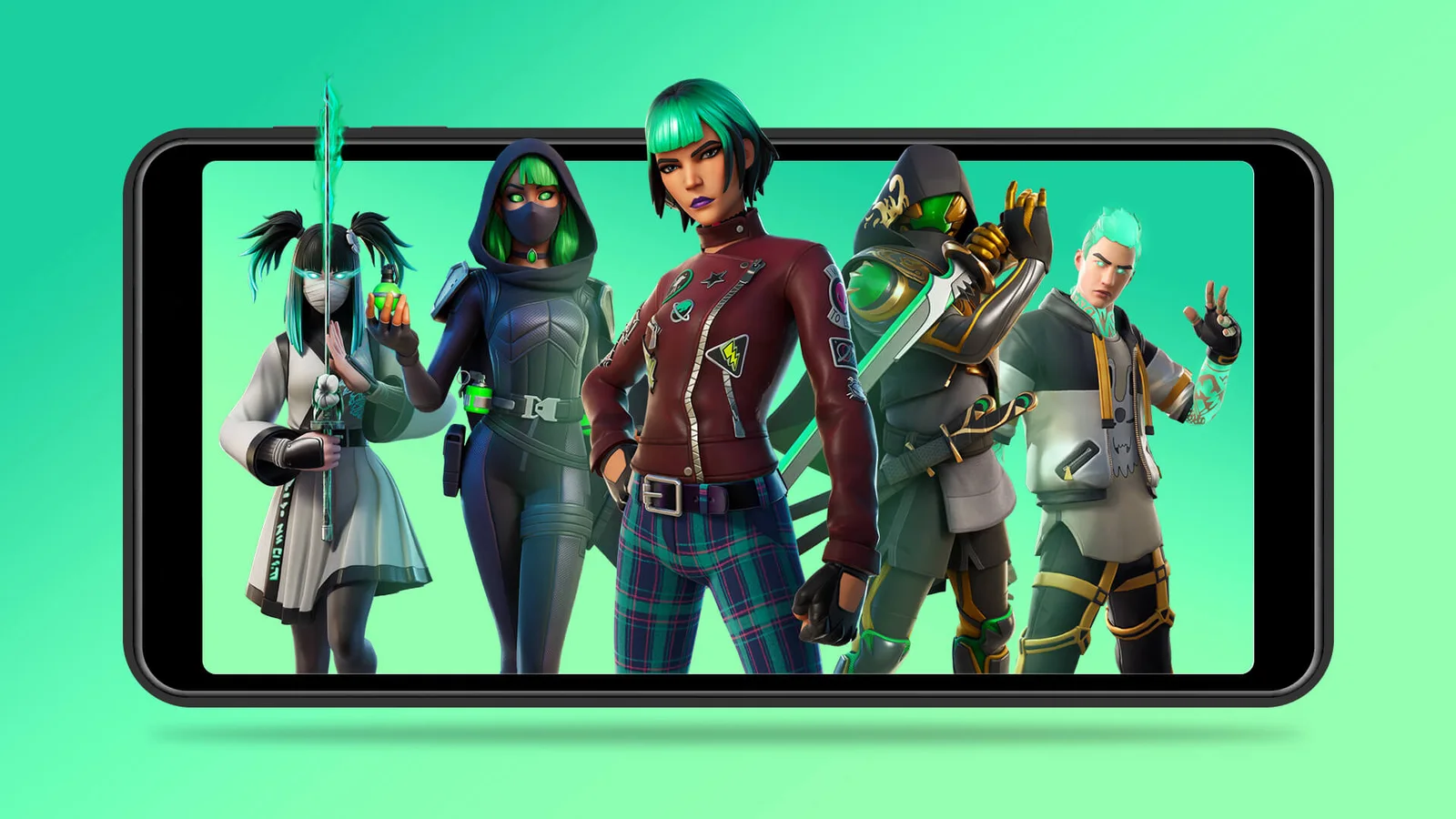
Epic’s original Xbox Cloud Gaming announcement artwork (2022). Check current service availability and device requirements before playing.
Credit: Epic Games. View image source
Is Fortnite on Mac?
Not as a current native game. We found no sign of a live macOS build, and guides agree that you should use a cloud service. That applies to a MacBook Pro, MacBook Air or desktop Mac, on Apple Silicon or Intel.
How to play Fortnite on a MacBook without a download
Guides list these options, and Xbox is usually the easiest free start:
- Open Safari or Chrome and go to xbox.com/play. Our Xbox Cloud Gaming guide has the steps.
- Or use GeForce NOW, which guides say has a Mac app, browser access and keyboard and mouse support.
- Or use Amazon Luna, where available.
- Link your Epic account, so that your progress comes with you.
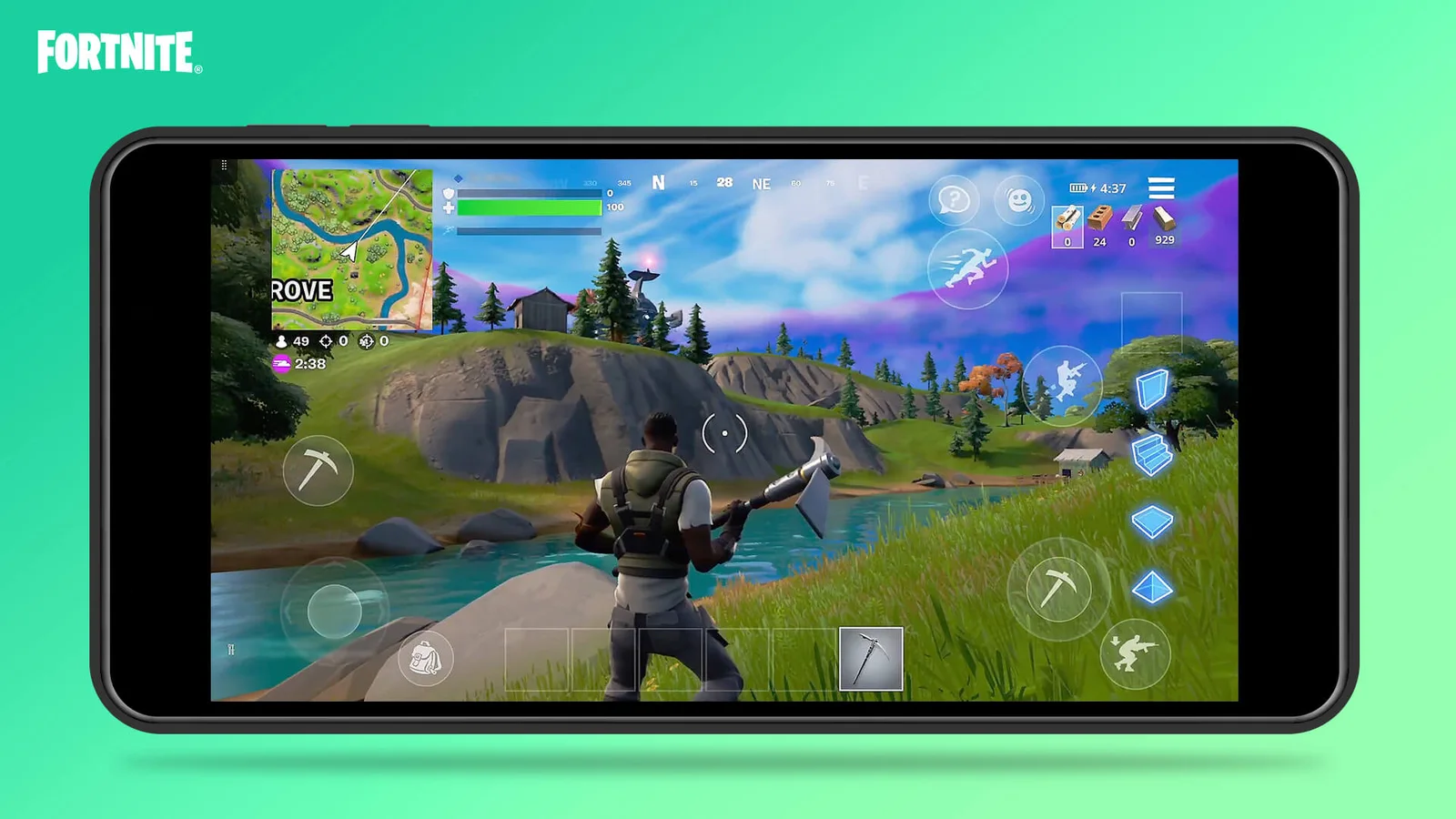
Official Xbox Cloud Gaming touch-control illustration from 2022, rather than a screenshot of the current season or menu.
Credit: Epic Games. View image source
How to download Fortnite on a MacBook
Downloading Fortnite for Mac directly is not something guides recommend, including on a MacBook Air. Running Windows through a virtual machine is unreliable, since anti-cheat software can block it, and one guide says a popular unofficial workaround stopped working in April 2026. Old installers offered online are not safe either.