How to download Fortnite on PC
Updated
Get Fortnite through the Epic Games Launcher on a PC, computer or laptop. Here are the steps and specs.
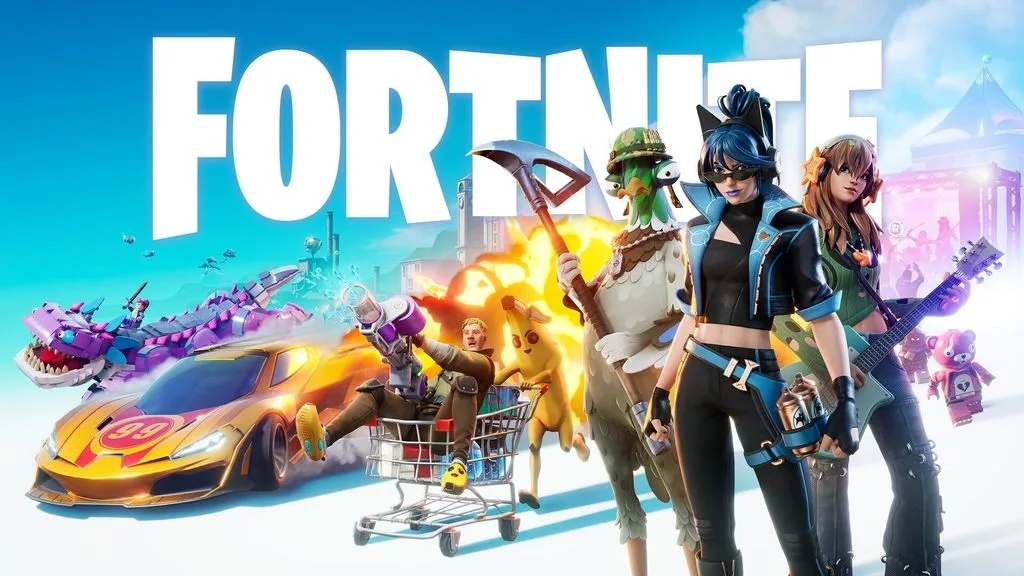
Artwork from Fortnite’s official mobile page. Use that page to find the current iOS and Android installation routes for your region.
Credit: Epic Games. View image source
Can you play Fortnite on a PC? How to download it
Yes. Download only from Epic. A site offering a separate installer or an old OG version to download is not safe:
- Go to the official Fortnite or Epic Games site and download the Epic Games Launcher.
- Install the launcher and log in, or create an Epic account.
- Find Fortnite in the store and select Get, then Install.
- Launch it from your library. There is no need to launch Fortnite from its files by hand.
Fortnite PC requirements
Epic's help page lists these as recommended specs. Check that page for the minimum tier:
- Processor: Core i5-7300U 3.5 GHz or AMD Ryzen 3 3300U.
- Memory: 16 GB RAM or more.
- Graphics: NVIDIA GTX 960 or AMD R9 280, or an equivalent DX11 card, with 2 GB of video memory.
- Storage: an NVMe SSD.
How big is Fortnite? Download size
We cannot give you one reliable number. Sources list anywhere from about 15 GB to over 130 GB, partly because the size changes with each update and with the modes you install. Trust the size shown by the launcher, and leave extra space for future updates.
Laptop too slow?
Laptop gameplay depends on your graphics chip, so lower the graphics settings first. If the laptop still struggles, or you want to play with no download at all, stream the game with Xbox Cloud Gaming, since the work is done on a server. On a Mac, see Fortnite on Mac.
Frequently asked questions
›What is the exact Fortnite download size on PC?
Use the current estimate in the Epic Games Launcher. Updates and optional content change the required space, so this guide does not publish one fixed size for every installation.
›Should I install a separate Fortnite OG launcher?
Use the official Epic Games Launcher and select available modes inside Fortnite. Do not trust an unrelated installer merely because its name contains OG.